WHAT YOU ARE LOOKING FOR?
Our venue directory is built by players like you. If you know a venue we're missing, run a social session somewhere, or spot something that's changed, you can let us know in a couple of clicks — no account approval wait, just a quick review before it goes live. You'll need to be logged in to submit anything.
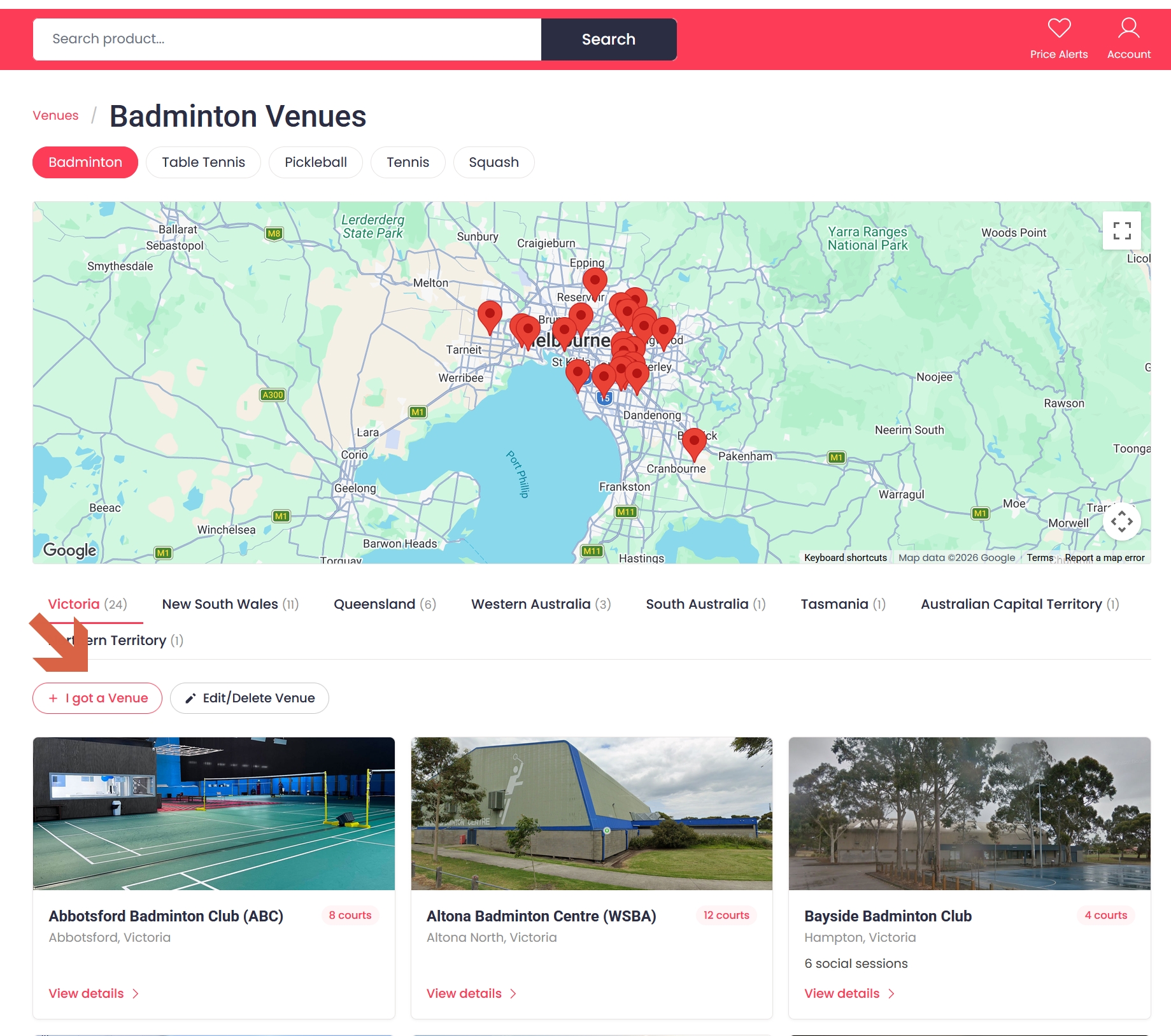
Go to the Venues page and pick a sport (Badminton, Table Tennis, Pickleball, Tennis or Squash). Near the top of the venue list you'll see an "I got a Venue" button.
Click it and fill in the venue's name, state and suburb (required), plus whatever else you know — address, phone, website, courts, opening hours and pricing are all optional. Submit, and we'll review it before it appears publicly.
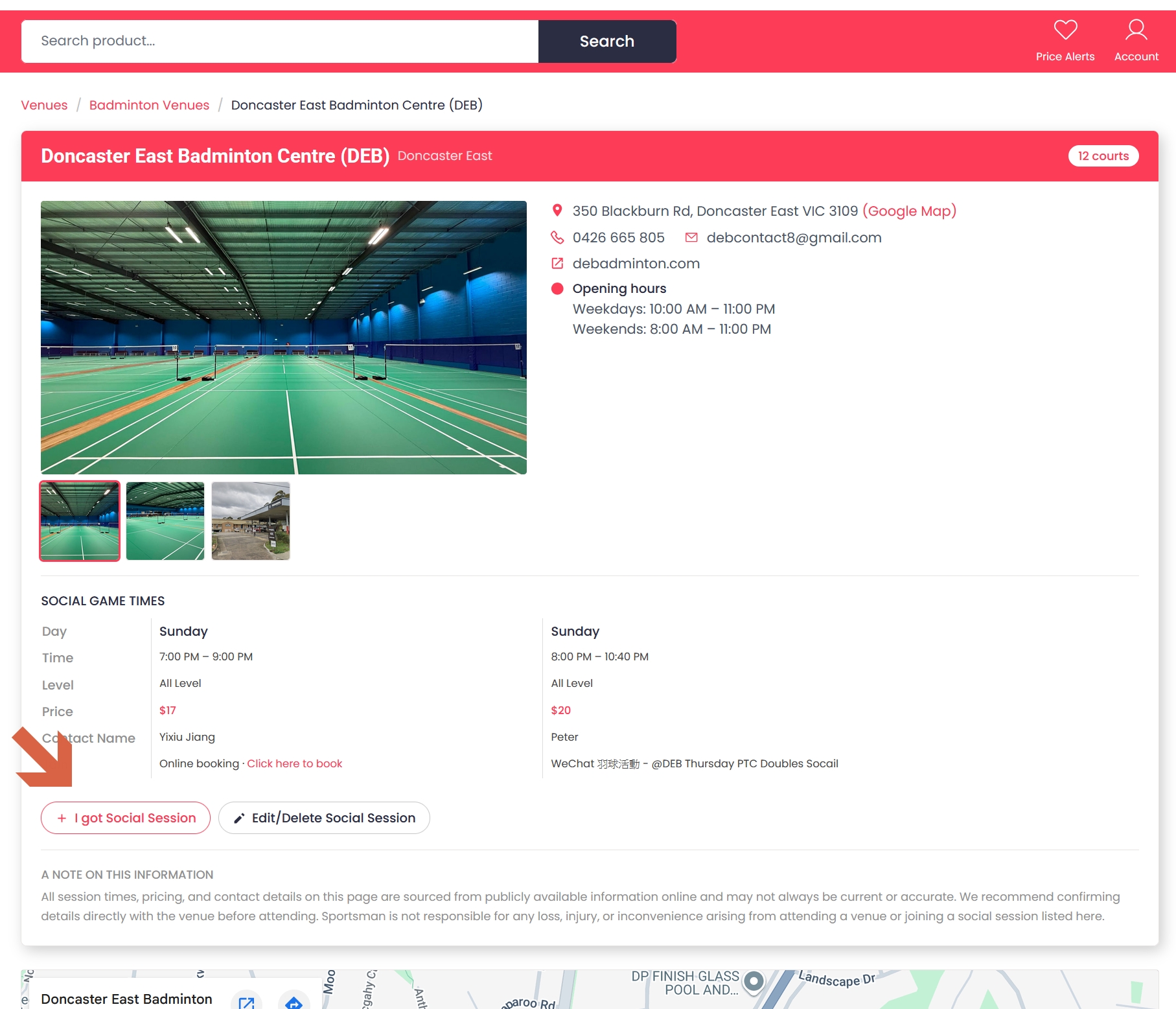
Open the venue's own page and look for the "I got Social Session" button, above the list of social sessions.
Tell us the day, level and price, and how other players should get in touch to join (a phone number, WhatsApp, a booking link — whatever works). Submit, and once we've checked it over it'll show up in the venue's session list.
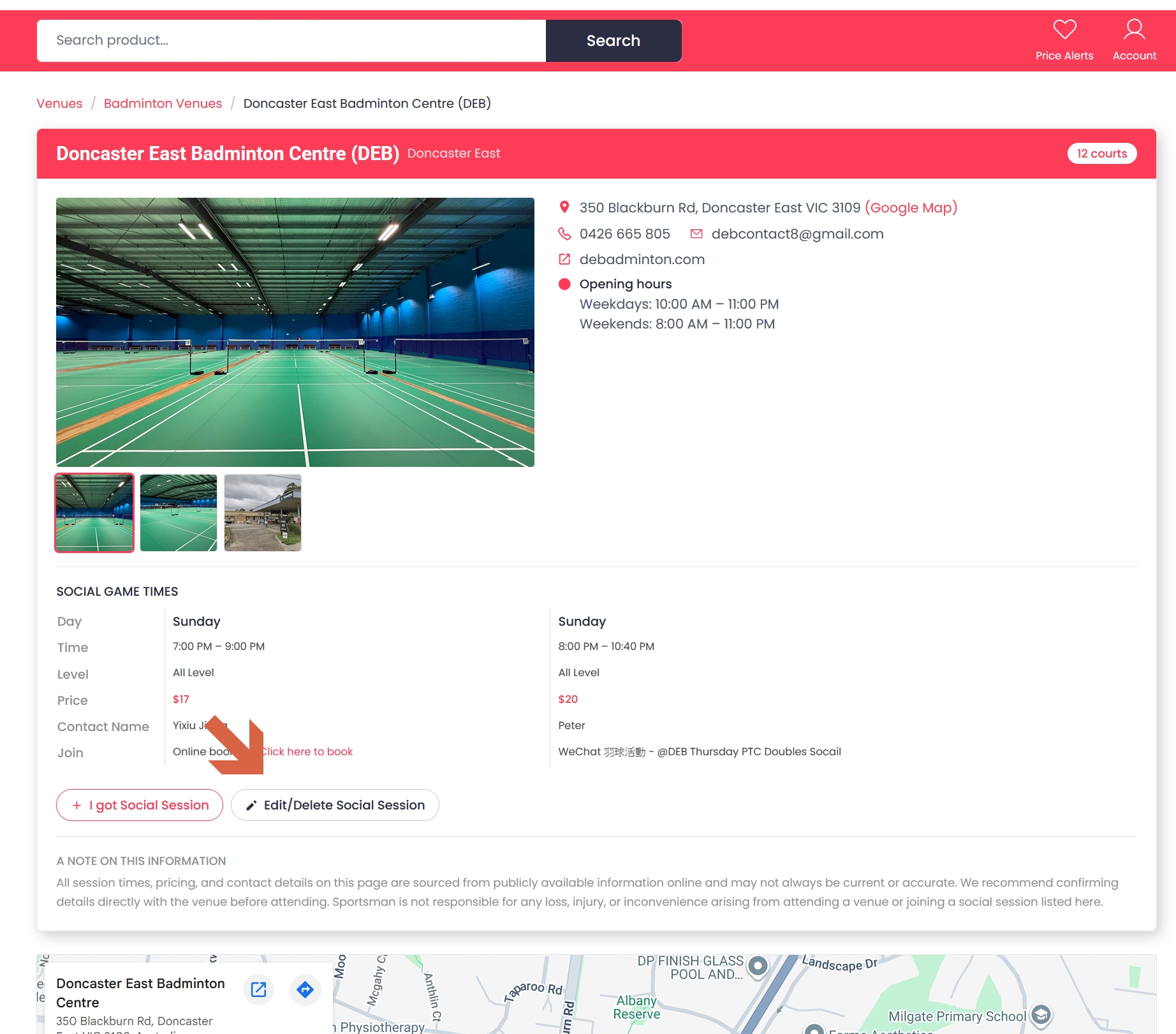
Details changed, or the session doesn't run anymore? On the same venue page, click "Edit/Delete Social Session", pick the session from the list, and choose whether to update its details or remove it — with a reason, if you're removing it.
Like everything else here, this goes to us for a quick review rather than changing the listing straight away.
Got the wrong details for a venue itself, rather than one of its sessions? The same idea applies — open the venue's sport page and use the "Edit/Delete Venue" button next to "I got a Venue".
Still stuck? Get in touch.
© 5gear - All Rights Reserved
Save price alerts and never miss a drop.
Already have an account? Sign in